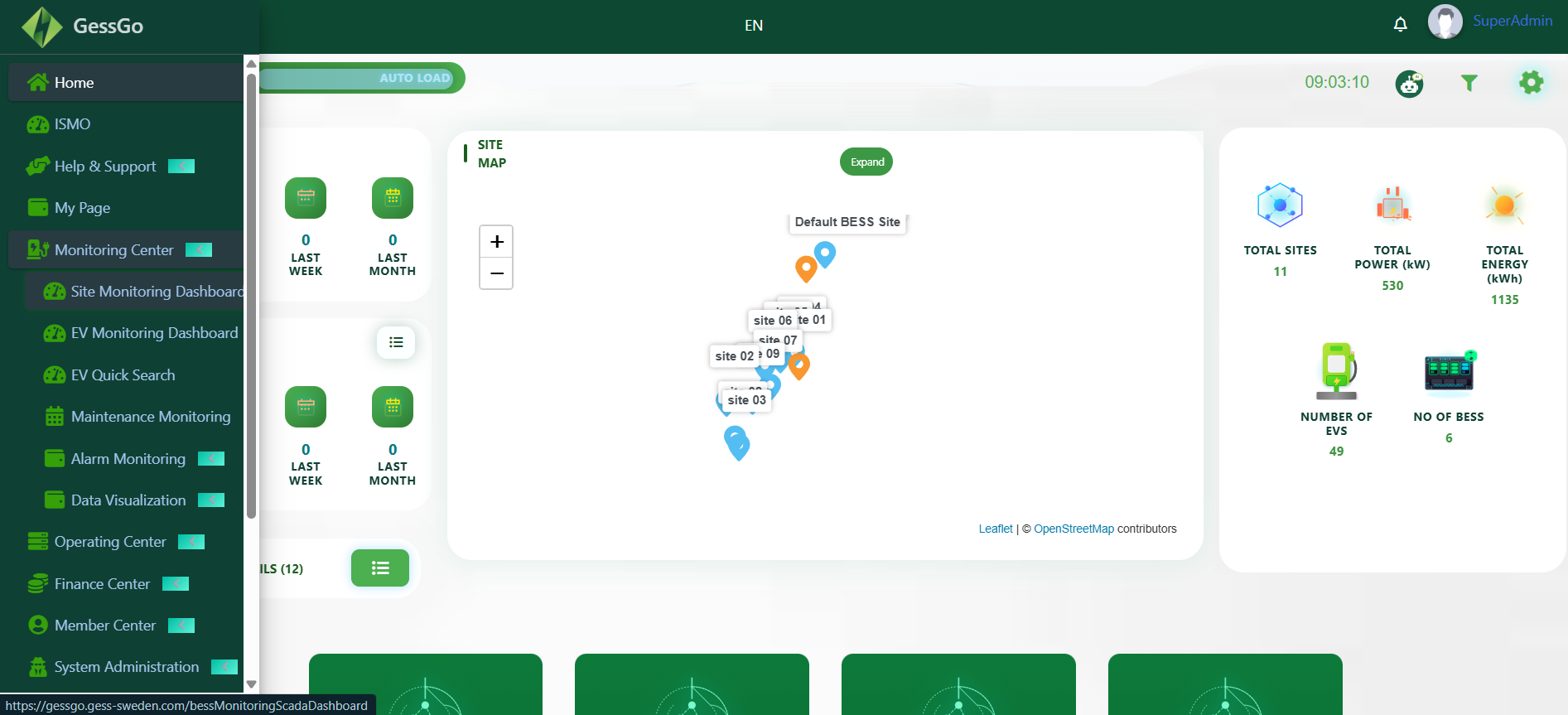
Desktop Suite

One platform for
total operations

Connect station management workspaces, billing systems, and hardware diagnostics into a single elegant product experience. Manage your entire network with clarity and control.

Desktop Workflow Breakdown

How the web application supports daily EV network operations

Each workspace below maps to a real operator job, from oversight and scheduling to helpdesk and analytics.
System Administration
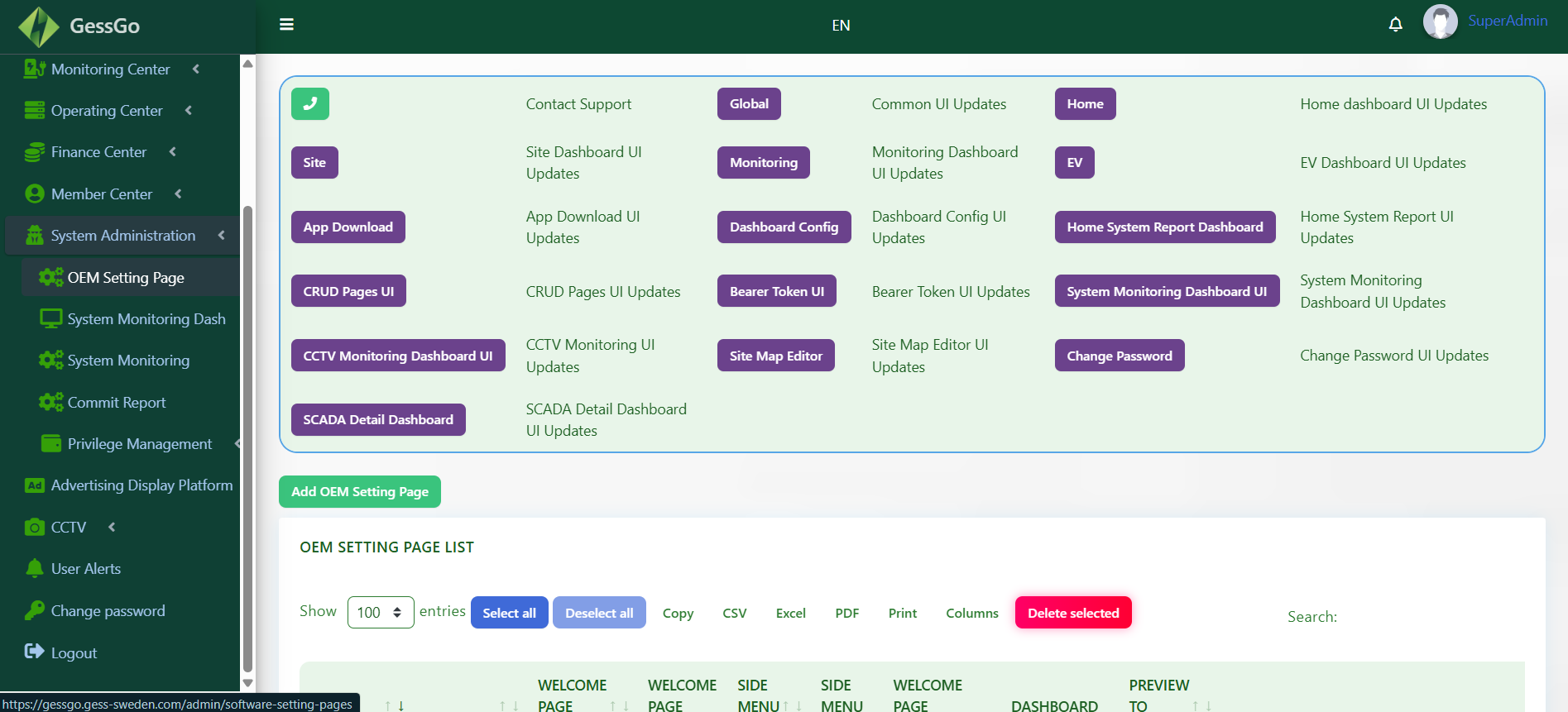
System administration dashboard
Module 01

System administration for roles, structure, and platform control

Configure organizations, access permissions, feature visibility, and internal governance from the core administrative workspace.

Role and user controls across the full network stack.
Operational settings managed from one secure desktop surface.
Module 02

Member center workflows for user lifecycle and service visibility

Manage member records, service status, engagement details, and account-level actions from a support-ready desktop view.
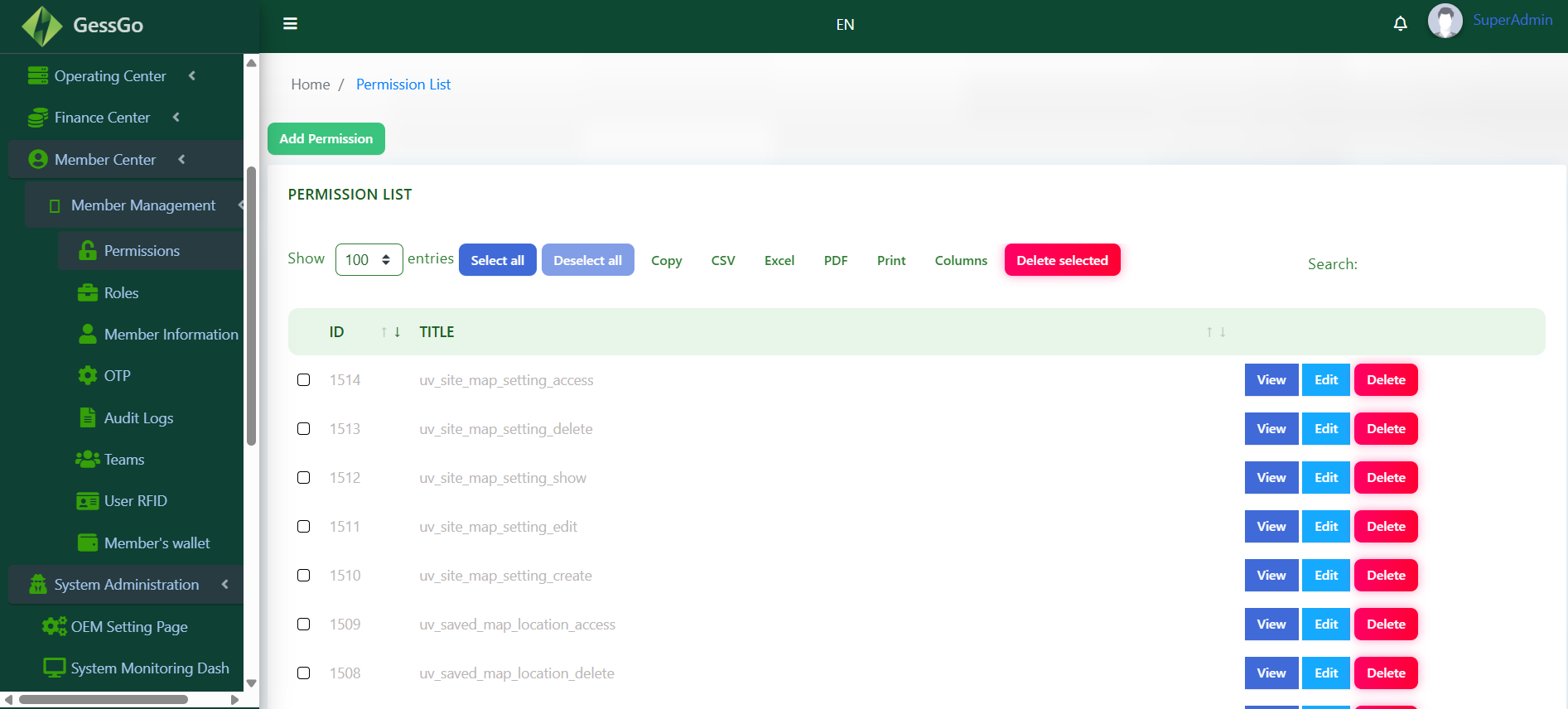
Central view of member activity and operational status.
Tools for fast account review and service follow-up.
Member Center
Member center workspace
Finance
Finance dashboard
Module 03

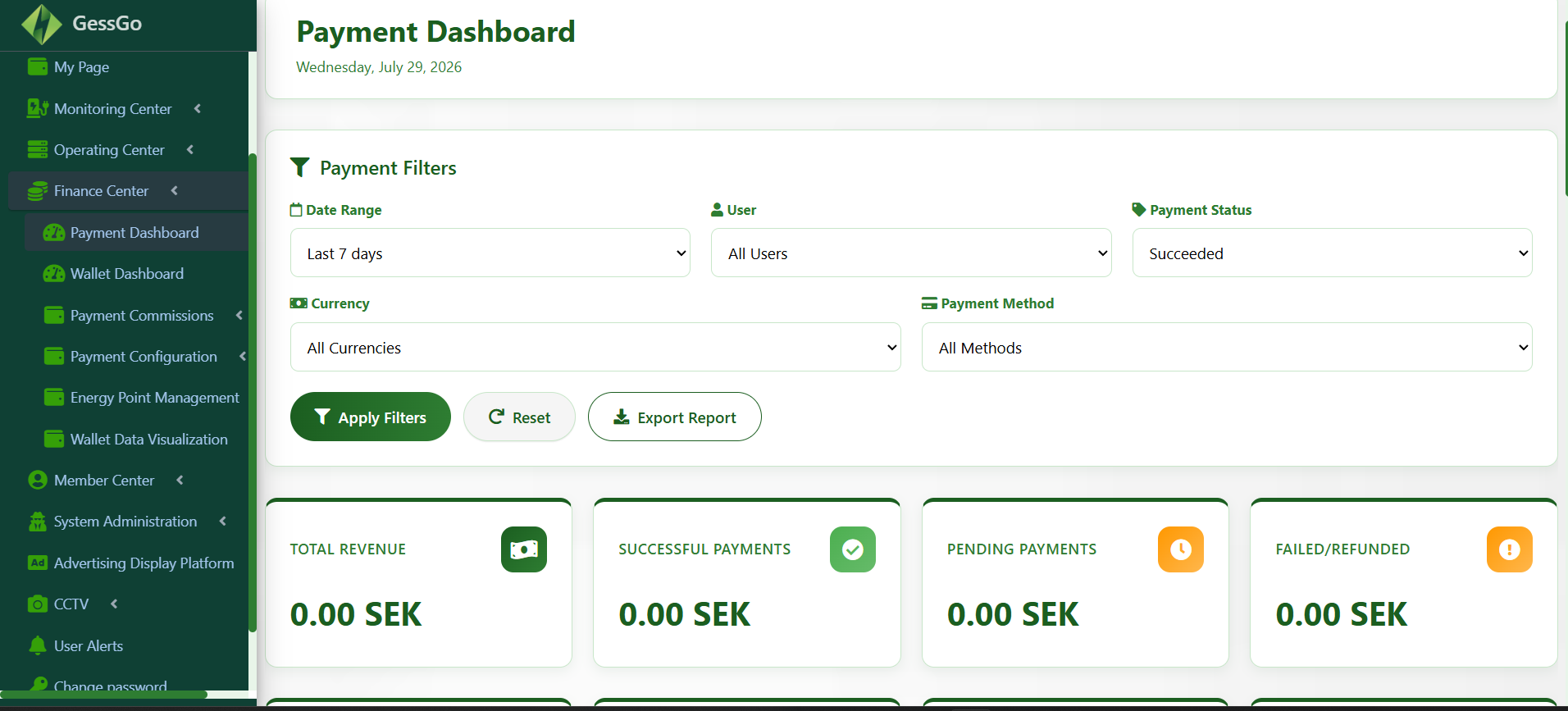
Finance operations for revenue and transaction visibility

Track commercial performance, payment activity, and monetary summaries in a desktop finance surface aligned to daily operations.

Revenue, totals, and operational billing context in one place.
Fast review of financial snapshots without leaving the suite.
Module 04

Maintenance logs for proactive hardware reliability

Track inspections, service tickets, firmware actions, and part replacements so field teams can resolve recurring issues faster.
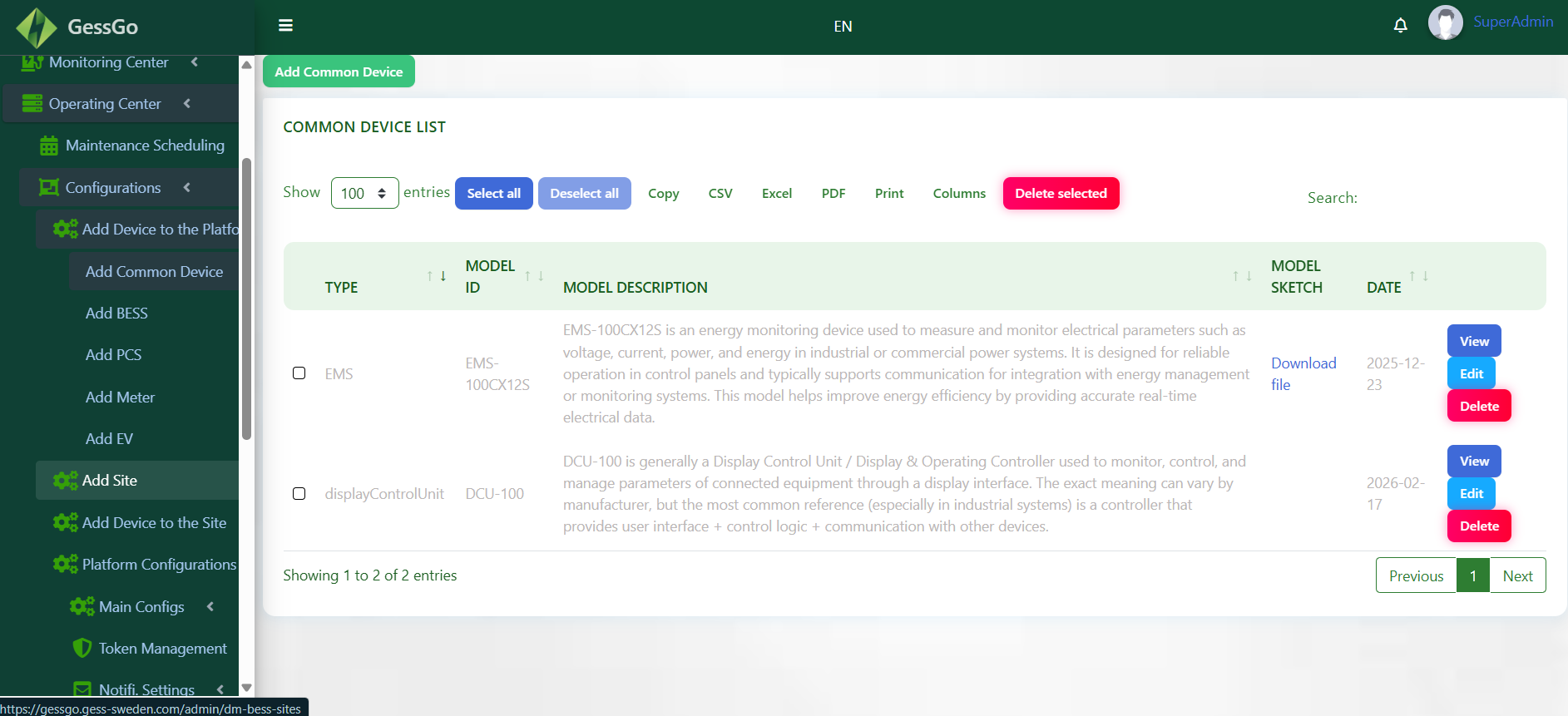
Issue history linked to station and connector context.
Faster triage using repeat-fault and uptime patterns.
Maintenance Log
Maintenance dashboard
Monitoring Center
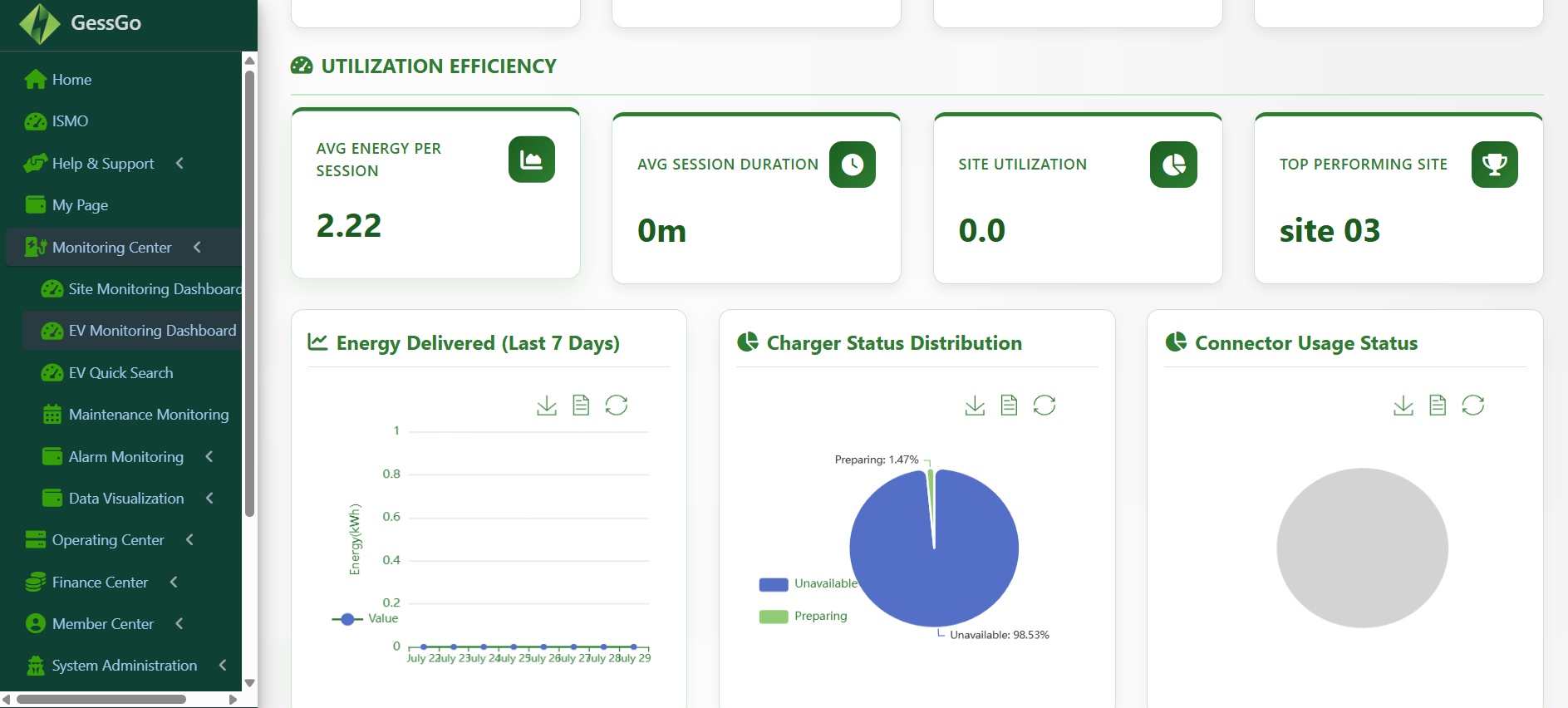
Monitoring center dashboard
Module 05

Monitoring center for live system awareness

Watch performance metrics, fleet activity, and network behavior in real time through a monitoring-first command view.

A single screen for live platform visibility and response.
Operational signals surfaced for fast decision-making.
Module 06

CCTV and alerts for incident visibility and escalation

Bring surveillance context, event alerts, and operational exceptions into one screen for faster investigation and follow-through.
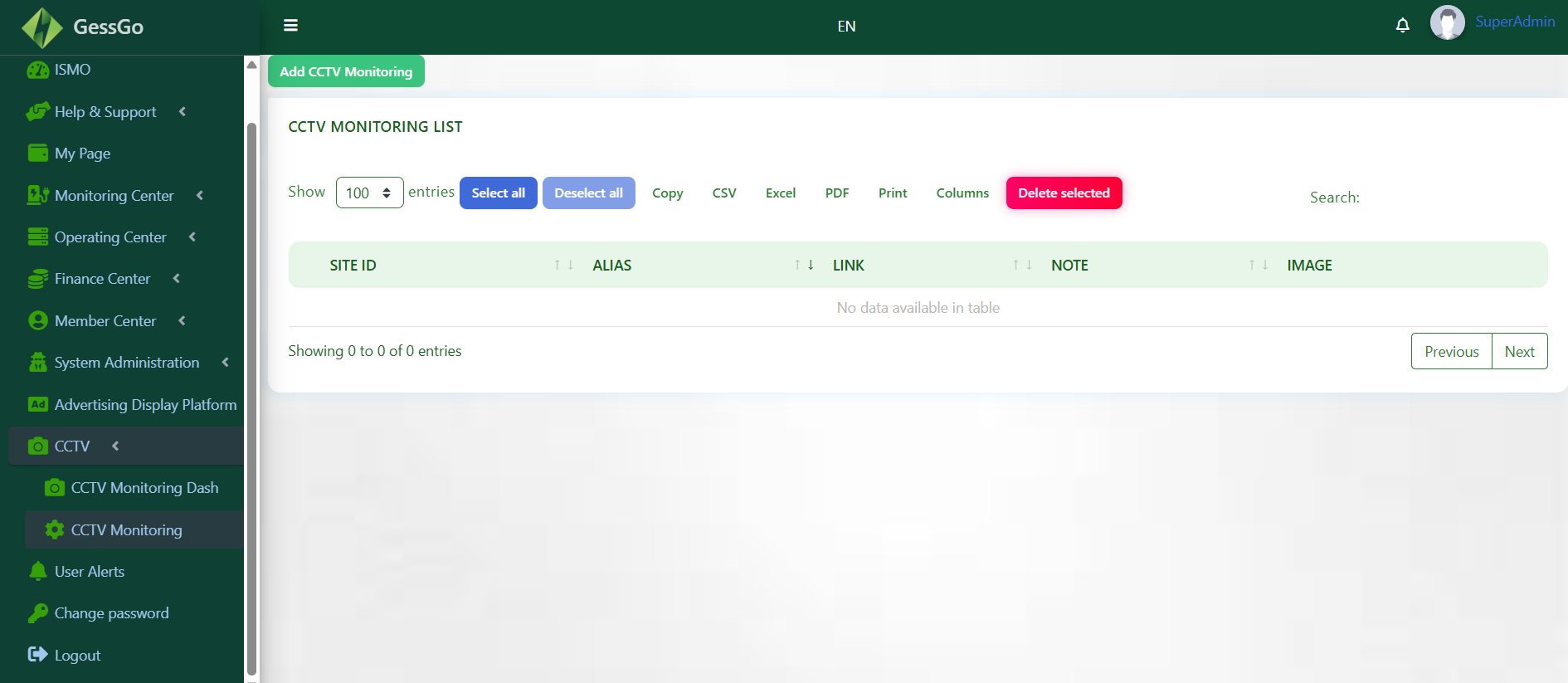
Alert-oriented view for operational anomalies and issues.
Security and incident context connected to the platform workflow.
CCTV and Alerts
CCTV and alerts workspace
Advertising Platform
Advertising platform workspace
Module 07

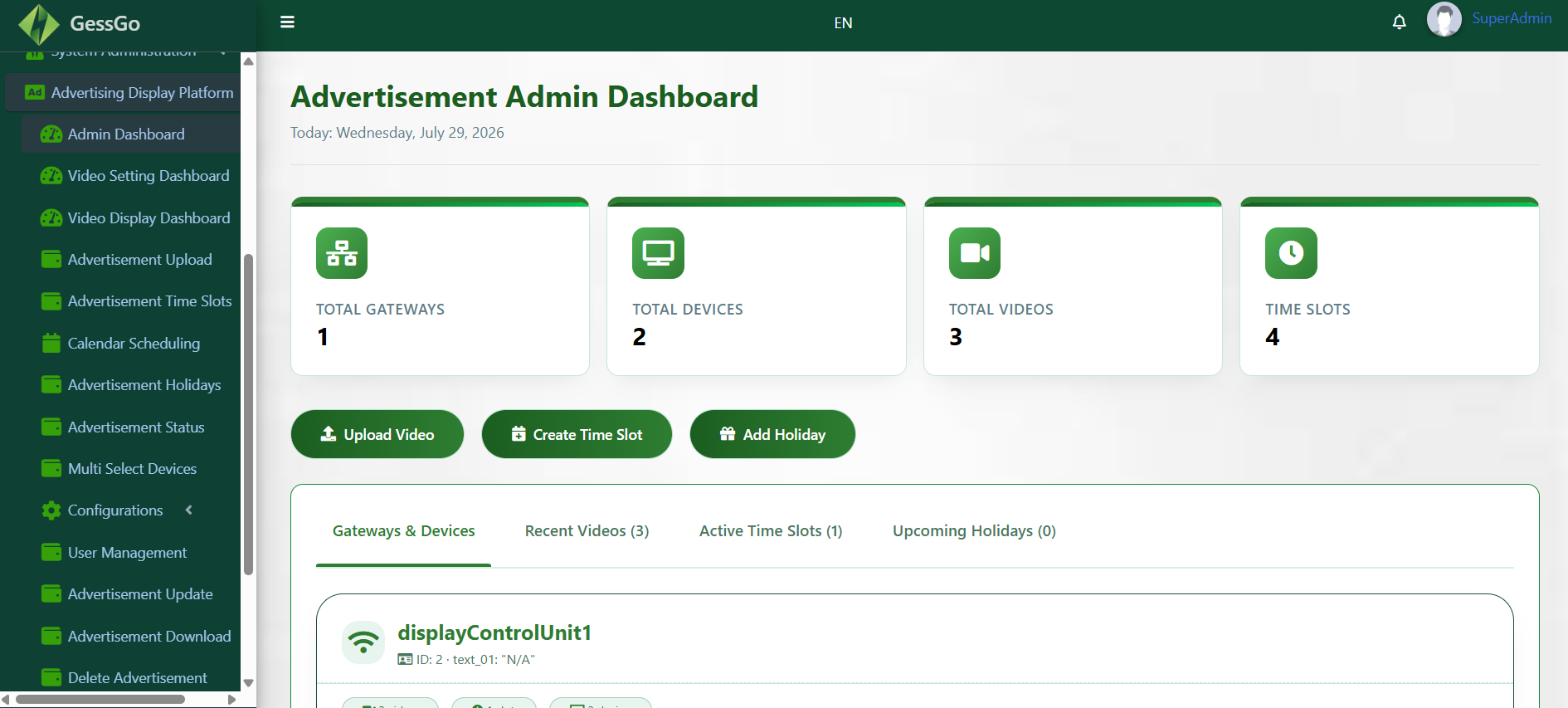
Advertising platform controls for in-network campaign management

Coordinate promotional surfaces, campaign content, and on-platform placements from a dedicated desktop advertising workspace.

Manage content and placements across the network experience.
Support revenue-driving campaigns inside the same platform.
Module 08

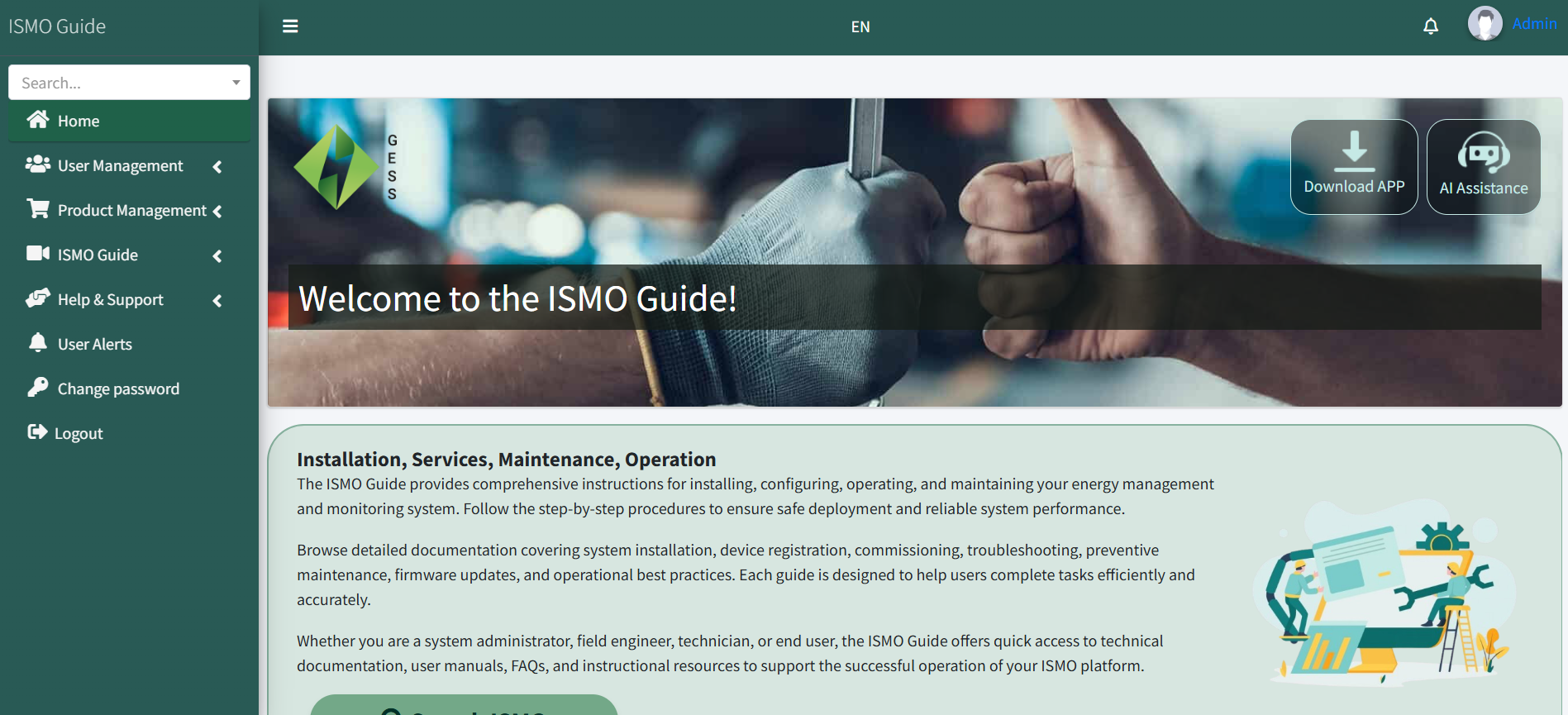
ISMO analytics for utilization and performance intelligence

Analyze usage trends, peak load behavior, and operational efficiency to improve planning, revenue decisions, and site ROI.
KPI dashboards aligned to infrastructure objectives.
Exportable reports for teams and stakeholders.
ISMO Analytics
ISMO analytics dashboard
My Page App
My page app workspace
Module 09

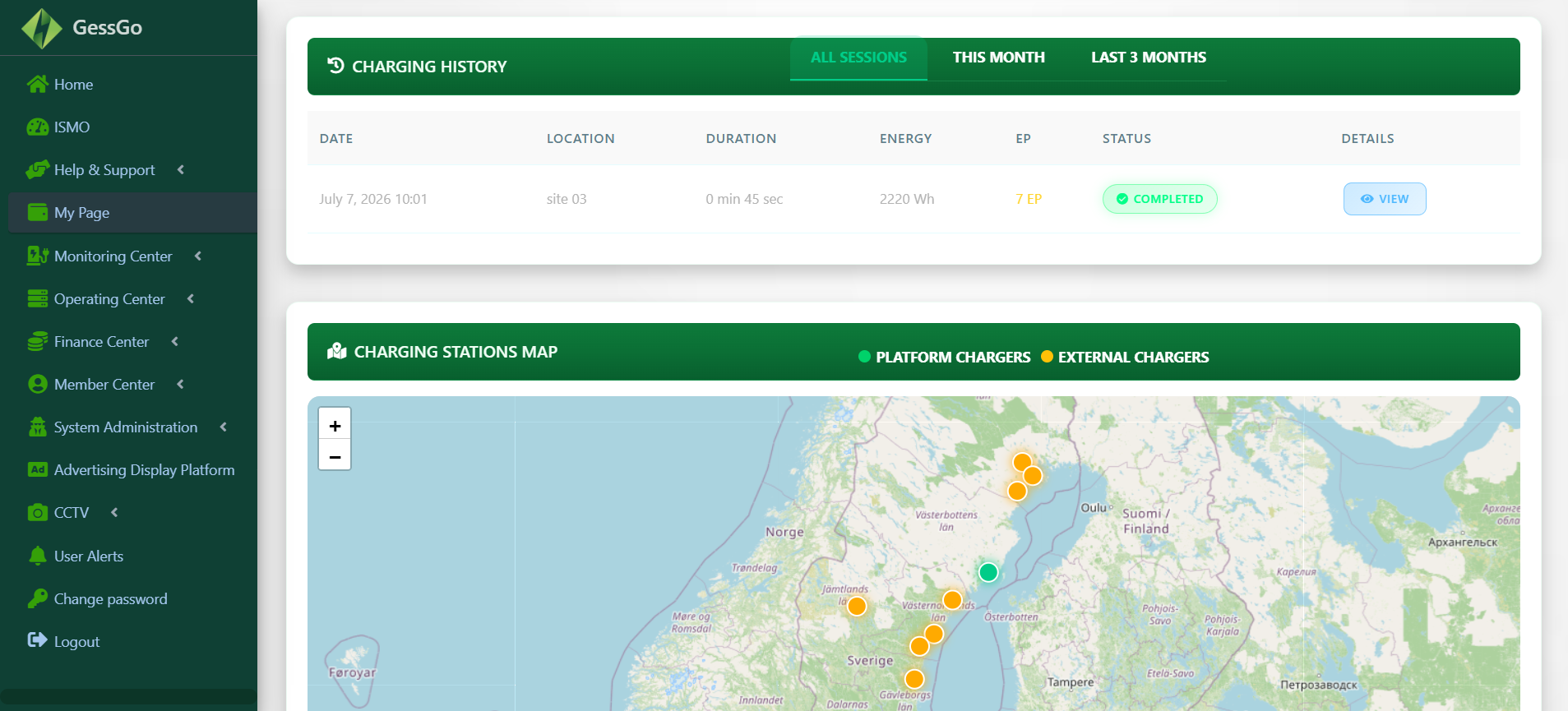
My page app for user-facing self-service and account activity

Surface account information, profile actions, and self-service status views through a desktop interface that complements the wider platform.

Shows user-centric workflows alongside operational data.
Completes the suite with a service-facing account experience.

See the full web application in action

Review the complete desktop workflow with your team and map each module to your deployment goals, support model, and reporting needs.